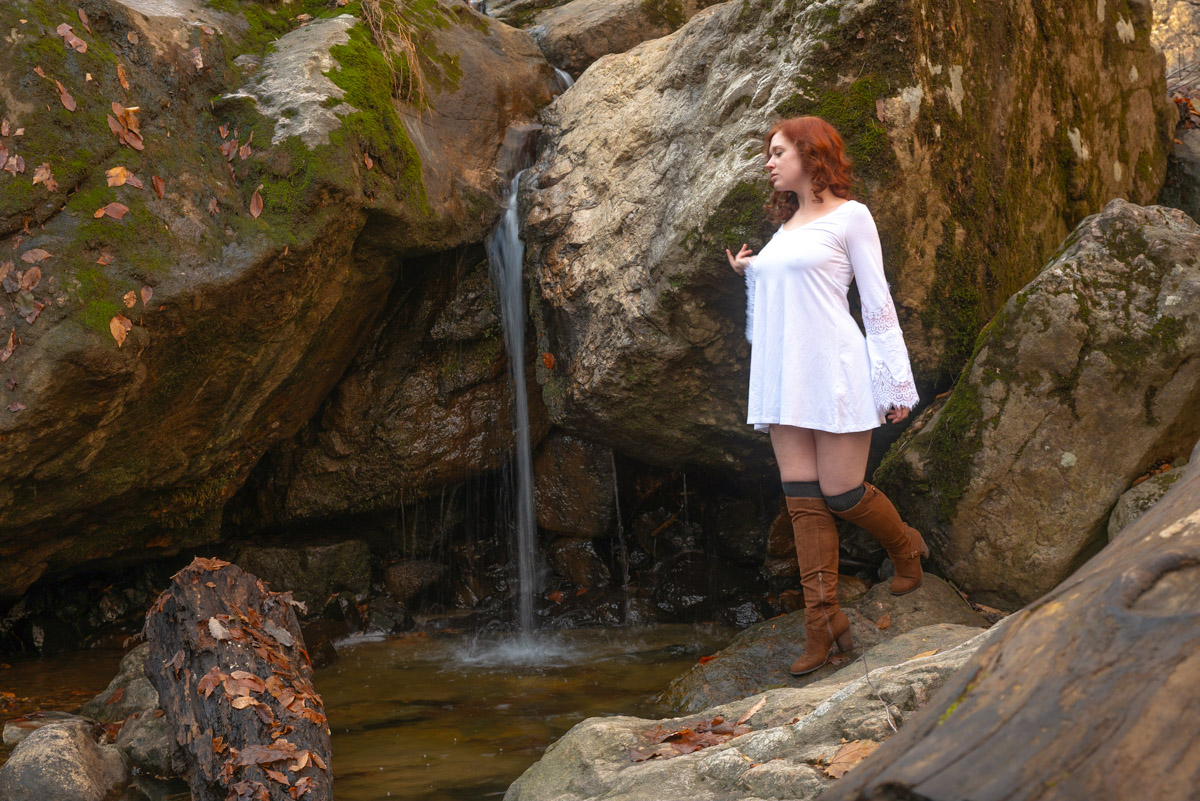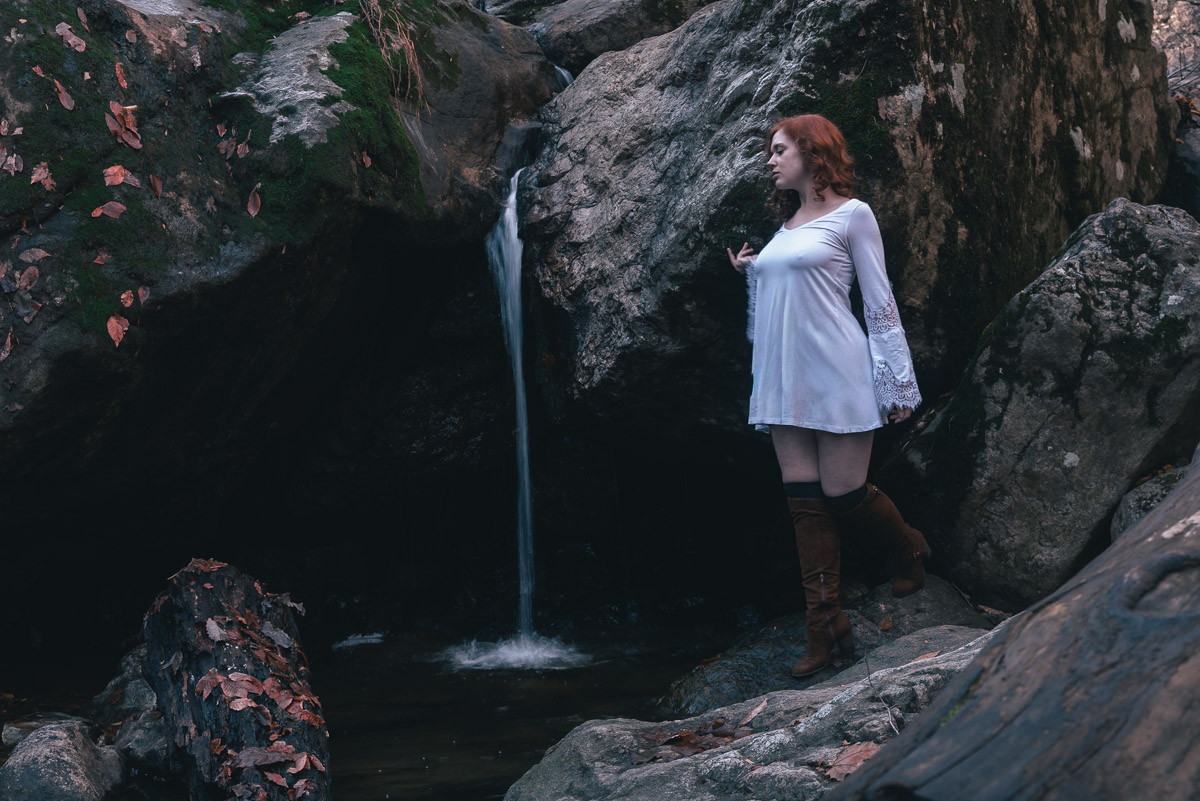



FamilyTone Workflow Pack

Stop struggling with one-click presets!

FamilyTone Workflow gives you clean skin tones. Softer backgrounds. Consistent color across every family session.

  • Works in Lightroom Classic & Adobe Camera Raw
  • RAW + JPG compatible
  • Modular, predictable, beginner-friendly

Soft • Honest • Timeless

These presets bring subtle structure and mood to real-life family moments. Not a heavy-handed colour shift—just thoughtful refinement that lets the people, and the story, lead.

The Problem

Poor edits are ruining your good photos!

Something always breaks!

The Solution

You don’t need more presets. You need a workflow!

Preset simplicity + Workflow control

What Photographers Are Saying

I can’t tell you how many presets I bought. This is the first time a system actually helped me understand why my colors were off. Your  steps now fix the skin, clean up the greens and  I’m making my own presets… …thanks Ajoy.”

– Markus S.

“I used to slide things around until something looked “okay”. Now I know exactly what to do Stepwise. My edits take less time and looks consistent.”

– Daniel M.

“In my area I photograph mixed families all the time and always struggled with getting everyone to have a natural skin tone in the same frame. This fixed issues! Thank you Ajoy. 🙂 

–Priya L.

“I wanted my edits to have my individuality. I now have 3 [presets] …. that I rotate. ….. work looks better.”

– Hannah R.

How the FamilyTone Workflow Works

Most photography products sit at two extremes: one-click presets that rarely deliver, or full courses that feel overwhelming. 

The FamilyTone Workflow Pack sits in the middle, giving you a simple step-by-step system that actually teaches you while you edit. You get structure without the complexity, freedom to shape your own style, and clean, natural, consistent results every time.

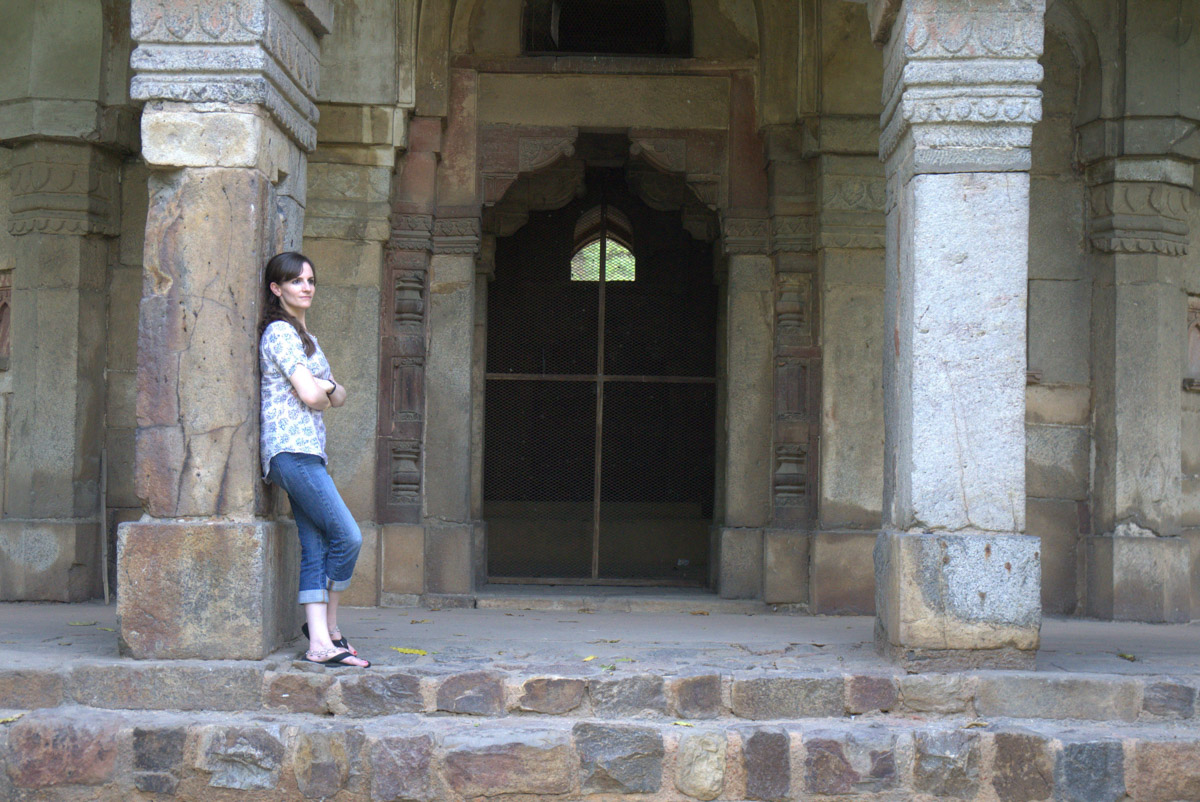
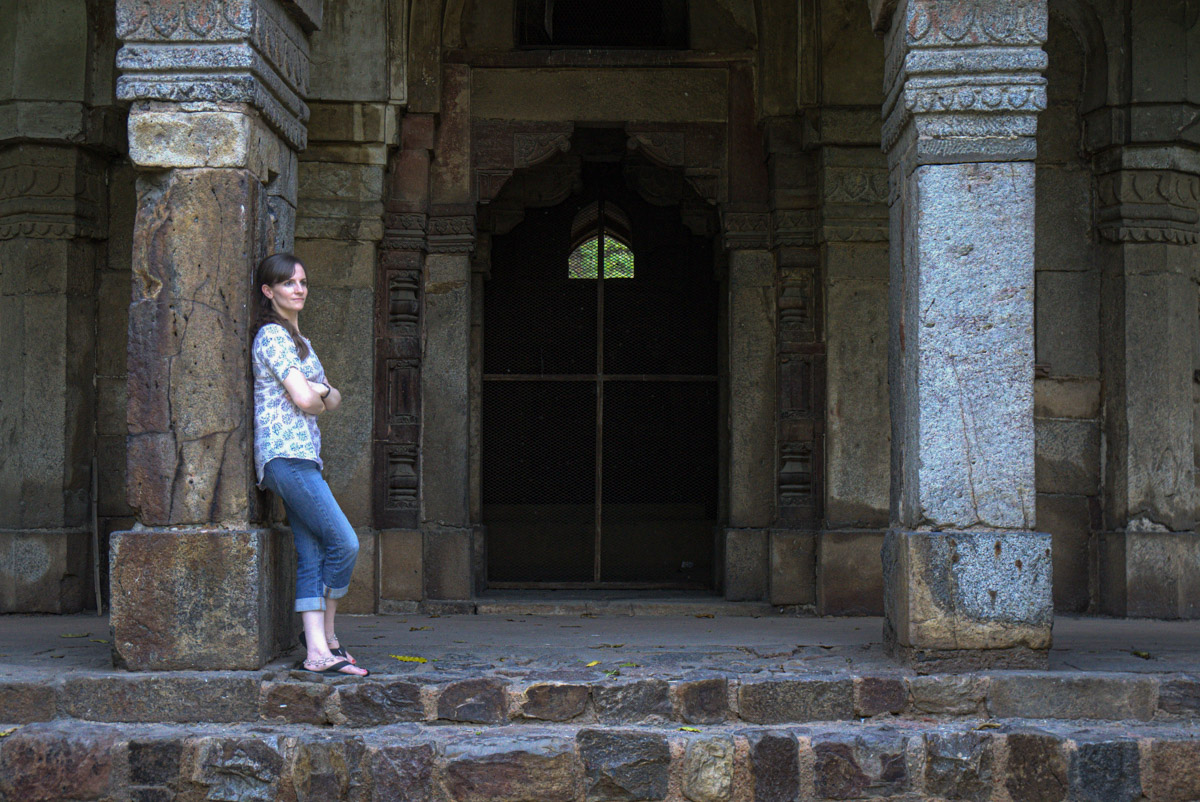
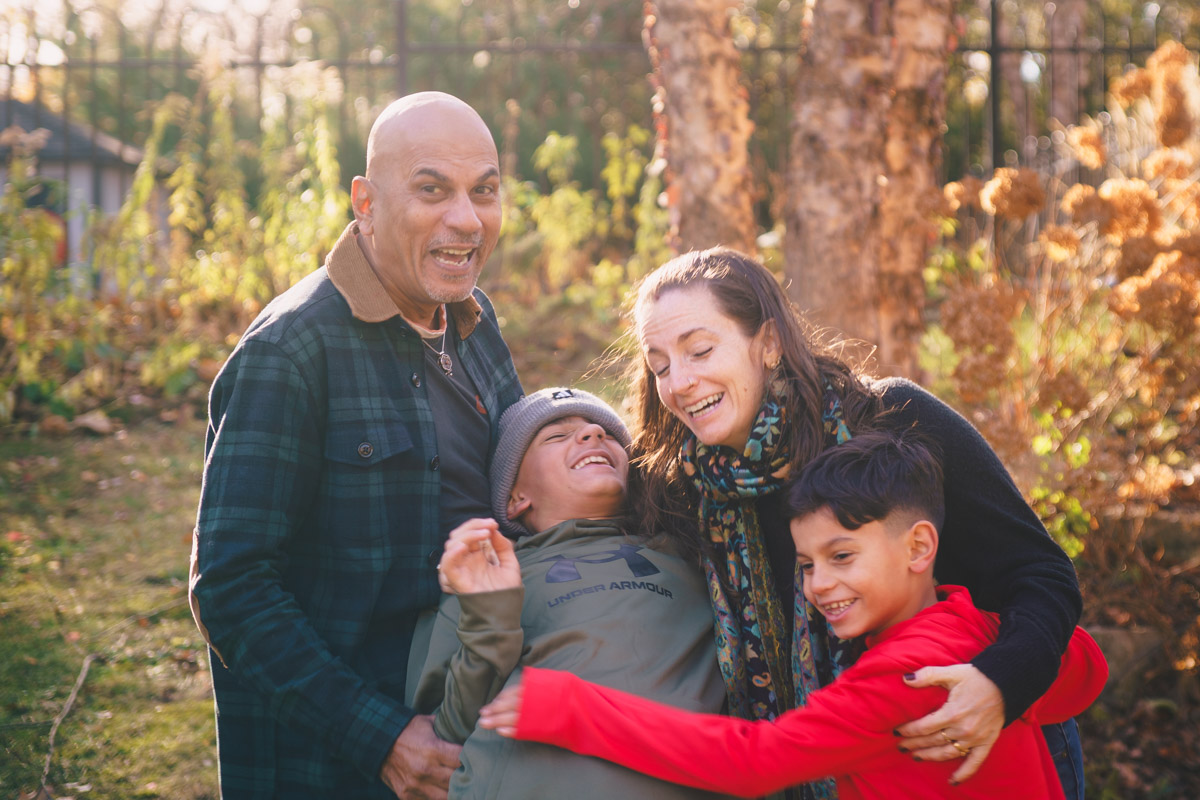
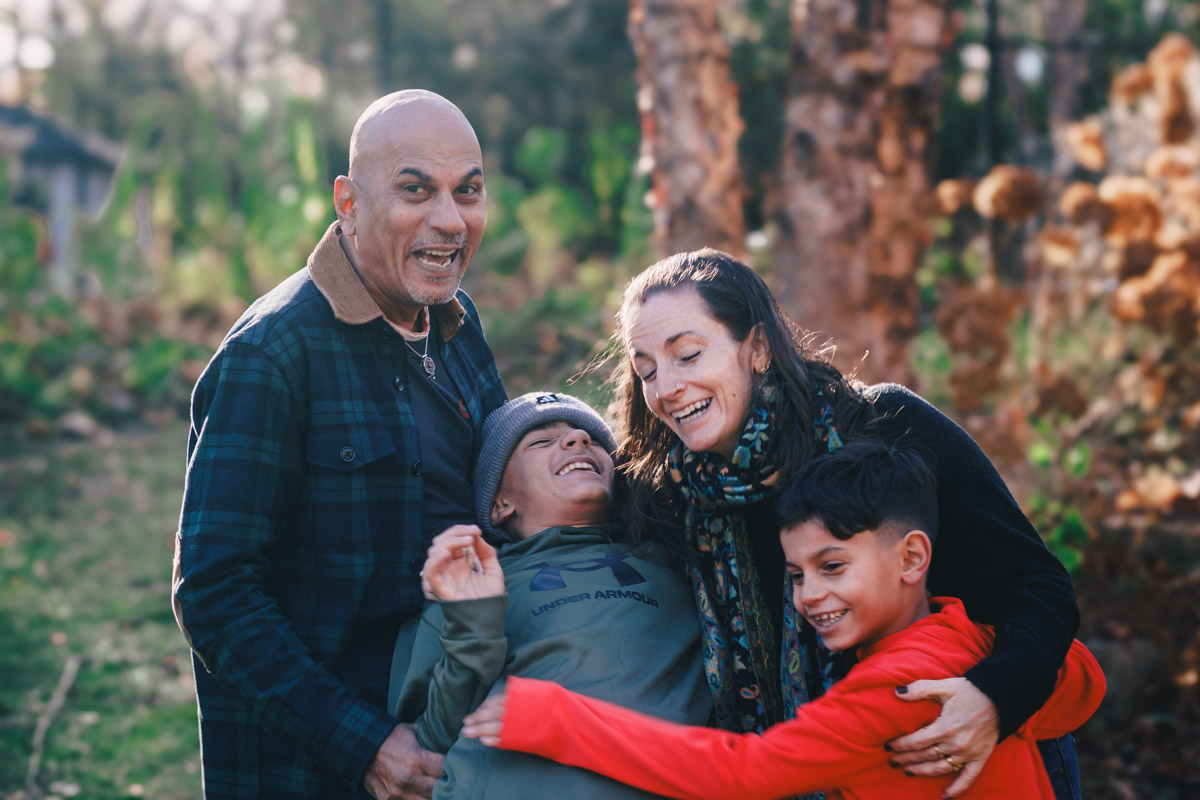
Here’s a real-world example: As you move through the steps, the image gradually improves, balances out and becomes more polished—without losing the authenticity of the scene.

Step 1 – Mandatory Preset

Before After

The raw image starts with  crunchy shadows and bright highlights. The first set of mandatory presets pull those extremes back and remove baked-in sharpening. Everything settles into a neutral, workable starting point.

Step 2 – Clean Base

Before After

The Clean Base preset brings the scene into gentler balance by easing color casts and softening overpowering elements like the red sculpture. Skin tones fall into a more natural range, giving you a consistent baseline before making any targeted adjustments.

Step 3 – People

Before After

Skin and facial details soften slightly without losing natural texture, and tones even out under the mixed light. This step simply makes everyone look like themselves in gentler, more flattering light.

Step 4 – Background

Before After

The background is softened so it supports the scene instead of competing with it. Colors calm down, distractions recede and the whole frame feels quieter, naturally pulling the eye toward the family.

Step 5 – Stylize

Before After

The stylizer adds the final mood, shifting the colors into a soft, film-leaning palette. Tones harmonize without looking filtered, giving the image a polished, cohesive, editorial finish.

What’s Included

A guided preset system for cohesive, film-leaning family galleries — from phones and cameras alike.

Inside the FamilyTone Workflow Pack

  1. More than 50 special Lightroom presets that are stacked on top of each other! With detailed instructions of course.
  2. LIFETIME free updates! If Lighroom changes its presets format, you get new versions as soon as I update them.
  3. An Installation Guide with troubleshooting tips.
  4. A Quick Start Guide so you can start using the workflow in your very next session.

Frequently asked questions

The FamilyTone Workflow Pack is designed to preserve the natural look of your images while gently softening and elevating them. The presets bring skin tones into a believable range, calm harsh greens and mixed light, and create a more cohesive mood across your galleries. Each group has its own purpose, but they are built to work together so your portfolio feels consistent, whether the files come from a phone or a camera.

You are purchasing a LIFETIME update for these presets. If I add any new presets or update it because Lightroom changed, I will not only notify you, but send you a link to update your presets. For FREE.

FamilyTone cannot fix everything that went wrong in camera. If an image is severely underexposed, out of focus, or blown out, no preset can fully repair that. The workflow also will not magically make your work look like someone else’s. Things like light, composition, lens choice and how you direct your families all affect the final image. The presets give you a strong, reliable foundation, and you bring your own vision on top of that.

You do not need to be an expert to start, but a basic understanding of exposure, white balance and cropping in Lightroom is helpful. The FamilyTone Workflow Pack comes with a guide that explains installation and walks you through how to move from Step 1 to Step 5 on real images. As you practice, you will learn which in camera settings and lighting situations give you the best results with the presets.

After checkout you will receive an email with a link to download your presets and guide. You can save the files to your computer, install them in Lightroom and start using them right away. If the email does not arrive within a few minutes, check your spam or promotions folder first, then reach out with your order details so I can help.

The FamilyTone Workflow Pack is designed for Adobe Lightroom Classic and the Lightroom cloud app, and it can also be used in Adobe Camera Raw. You should be running a reasonably current version of Lightroom that supports modern preset formats. The presets work best with RAW files from mirrorless and DSLR cameras, but they can also be used on phone files for a more cohesive look across your gallery.

Yes, they do. The workflow includes specific tools for phone files and high ISO images. RAW files give you the most flexibility and the cleanest results, but high quality JPGs and recent phone photos can still benefit from the Mandatory and Clean Base steps. The better the starting file, the more the presets can refine rather than rescue.

You are welcome to install the presets on the computers and devices that you personally use for your own work. If you have a studio or team, each photographer who uses the presets should have their own license, unless we have agreed in writing to a studio license. Sharing the files outside your own use is not allowed.

Because the FamilyTone Workflow Pack is a digital download, it cannot be returned once you have access to the files. For that reason, all sales are generally final. If you have a technical issue with your download or believe something is wrong with the files, contact me with your order details so I can troubleshoot, resend the files or review your situation in line with the refund policy.

Actual Photos After FamilyTone Workflow

See the transformation using  the FamilyTone workflow.

Before After
Before After

Before After

Before After

Ready to bring calm, consistency and beautiful tone to your family galleries?

Optional add on

Personalized Edit Review, Limited Add On

If you want a second pair of eyes while you learn the workflow, you can add a personalized edit review. You will send up to 5 images you have edited with the FamilyTone Workflow Pack, and I will record a short screen share video walking through what is working well, what I would adjust, and how to get even more out of the presets for your style and lighting.

What you get

  • A personalized video review of up to 5 images
  • Side by side explanation of your edit and suggested tweaks
  • Practical tips for camera settings and Lightroom choices for future sessions

This add on is limited, available only to a small number of buyers each month so I can give thoughtful feedback.

(when purchased with the preset pack)

© 2025 Ajoy Prabhu Photography. All rights reserved.

error: Sorry, this is copyrighted image by Ajoy Prabhu.
Scroll to Top
0

Subtotal